Pricing and quotes
How many screens, what kind of building, where they go. We price it and come back to you, usually the same day.
One address, read by the people who write the software. No form, no ticket number, no queue — write to us and we write back.
[email protected]Pricing, a demo, help getting a screen on a wall, or anything else. We are in Dubai, so we answer on UAE hours and usually within a day.
How many screens, what kind of building, where they go. We price it and come back to you, usually the same day.
Want a board on a screen before you commit? Say so and we will walk you through one. You can also just sign up and build your own.
A TV that will not pair, a layout that is not sitting right, a screen showing Offline. Tell us the short code shown at the bottom of the screen and we can look.
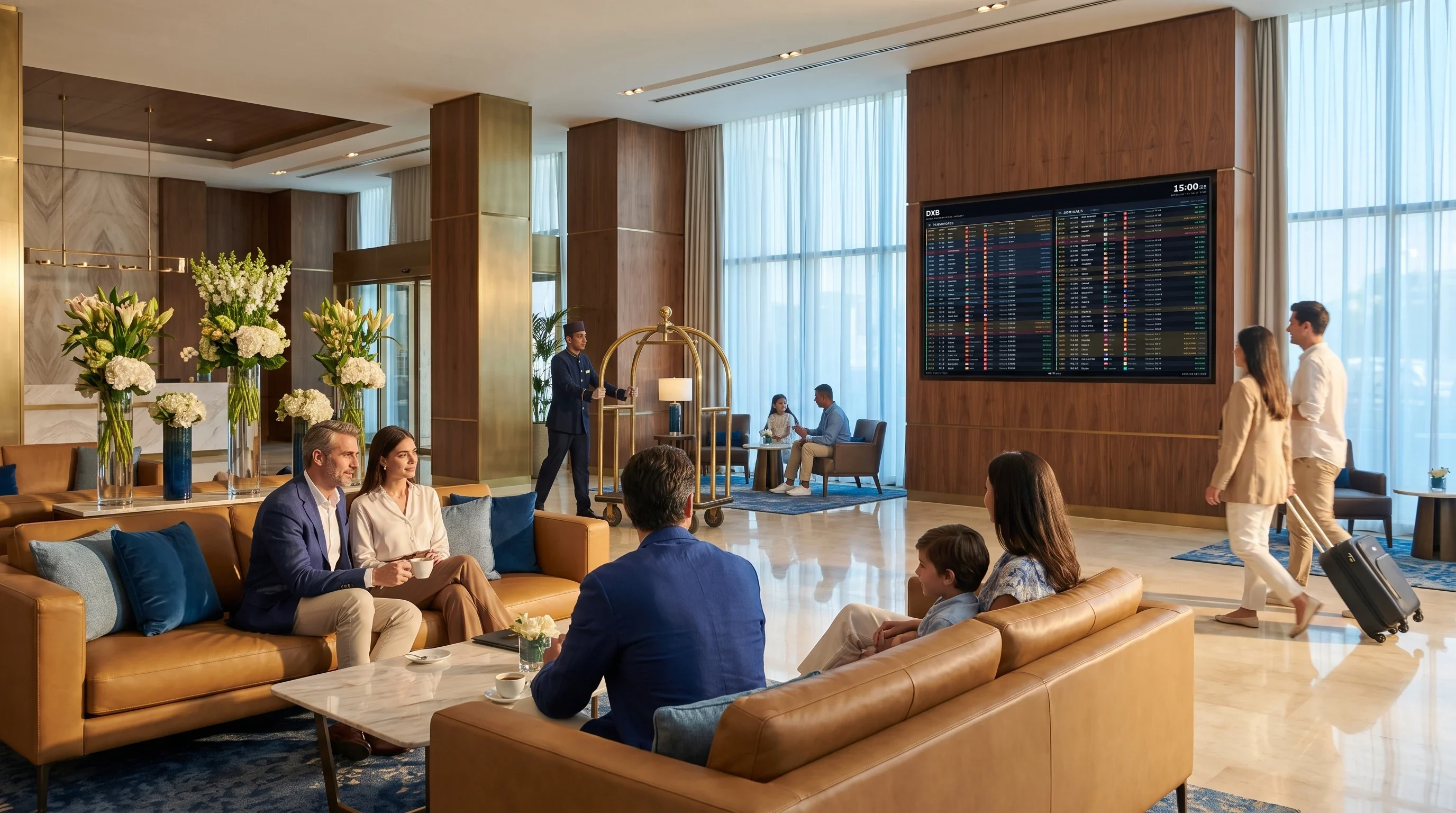
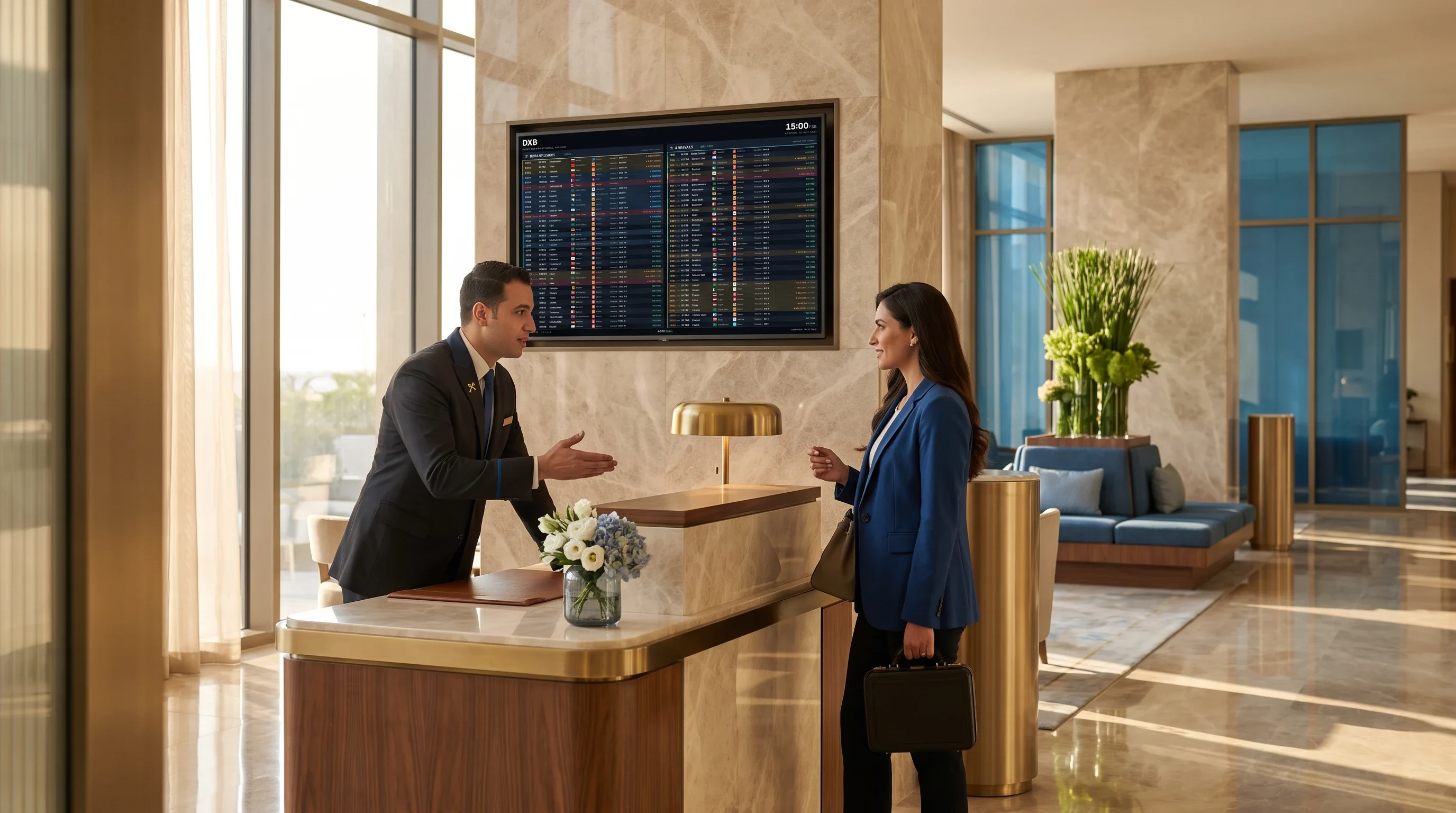
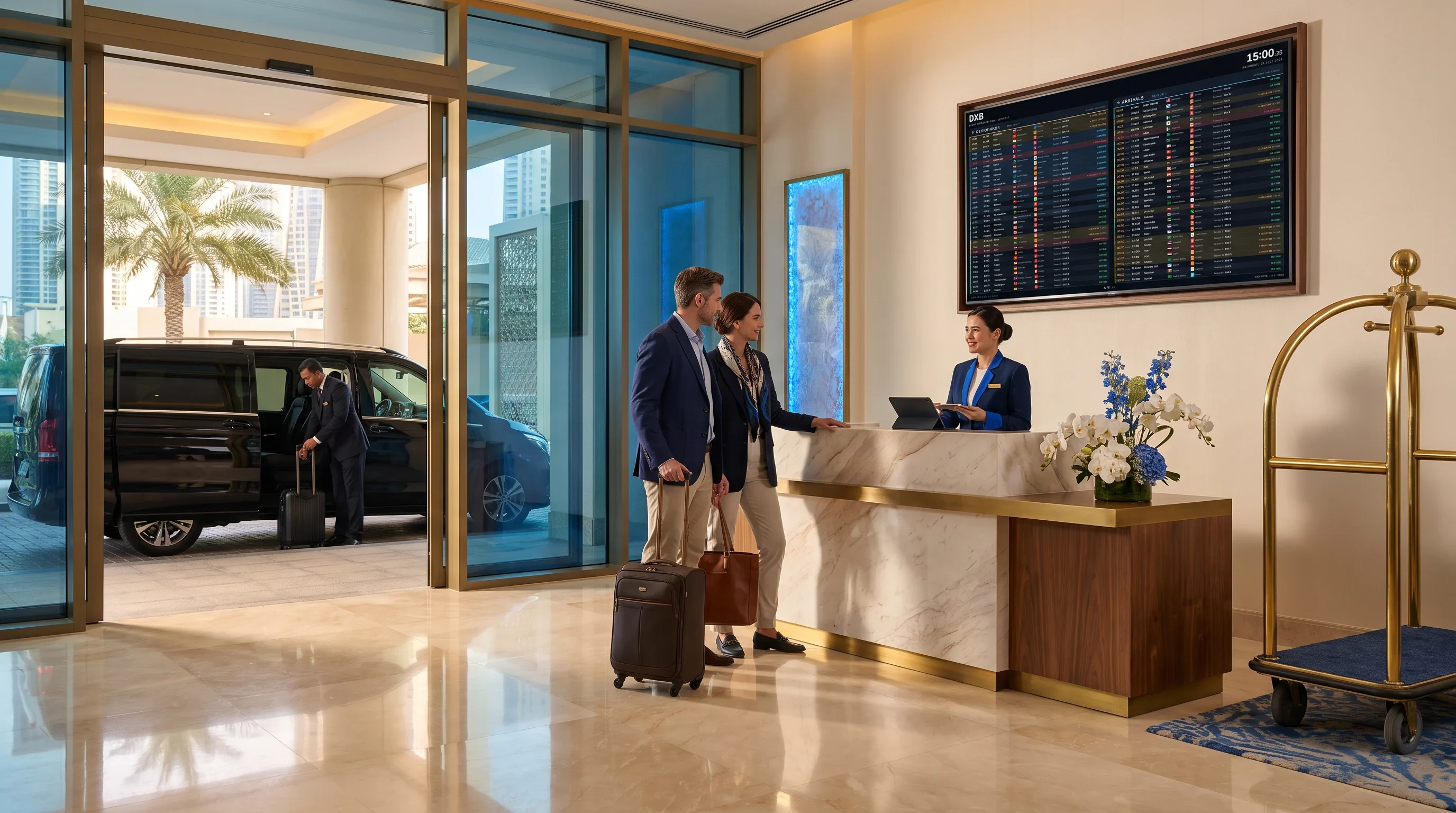
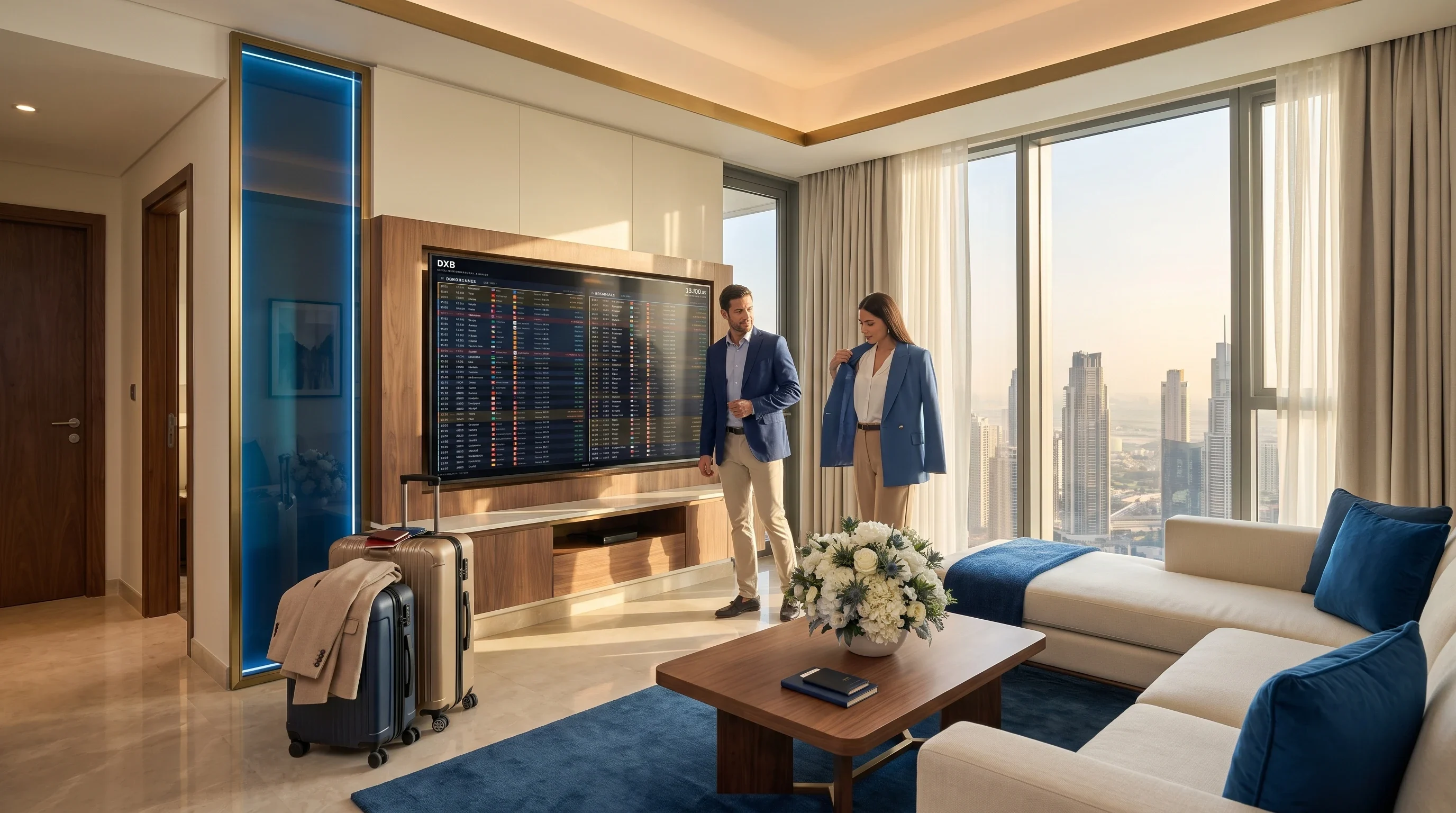
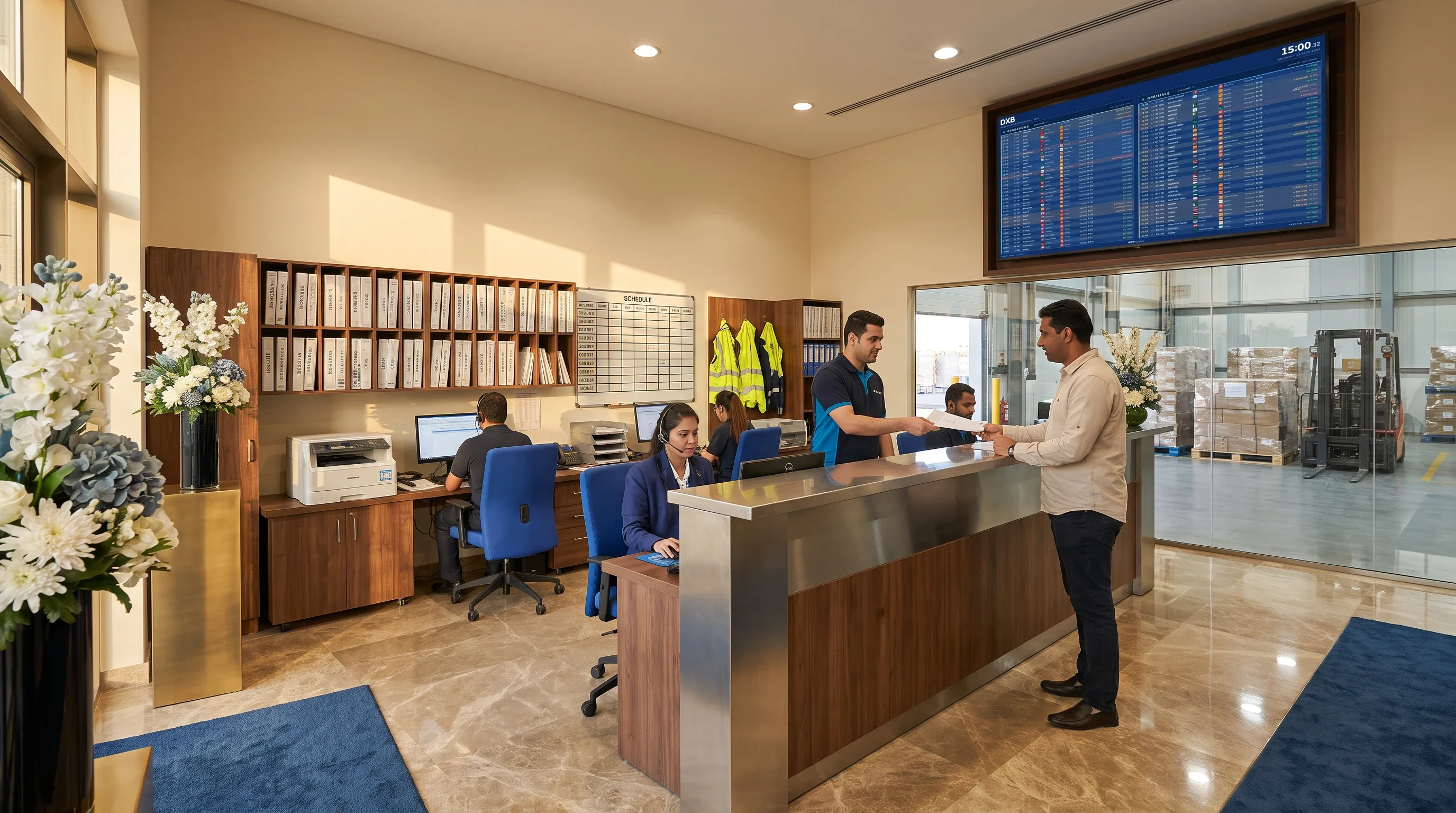
FIDS stands for Flight Information Display System — the departures and arrivals boards you read in a terminal. This is that same board, built for the rooms outside the airport: it reads a live flight feed for Dubai International and puts every departure and arrival on a screen you already own.
Real departures and arrivals for Dubai International — scheduled and latest times, gates and belts, updated continuously.
Departures, arrivals, a split of both, and more. Pick a layout per screen; the board sets its own text size to fill the screen without chopping a column short.
Built for a wall, not a desk: it recovers from a dropped network, refreshes itself daily, and keeps the last board on screen while it reconnects.
Point a TV at fids.ae/tv, then scan its QR or type the code from your dashboard. No account lives on the display, ever.
The current temperature for the airport sits quietly beside the flights, so a guest reads the sky and the schedule in one glance.
How long it takes to reach Terminal 1, 2 or 3 from your building right now, in real traffic — so a guest knows whether to leave.
Hours ahead, theme, time format, text size, logos, gate & belt, orientation and rotation — all per screen, all from the console.
Create a screen and pair a TV in under a minute. Free to try, no card.
Sign up