Live Dubai flights
Real departures and arrivals for Dubai International — scheduled and latest times, gates and belts, updated continuously.
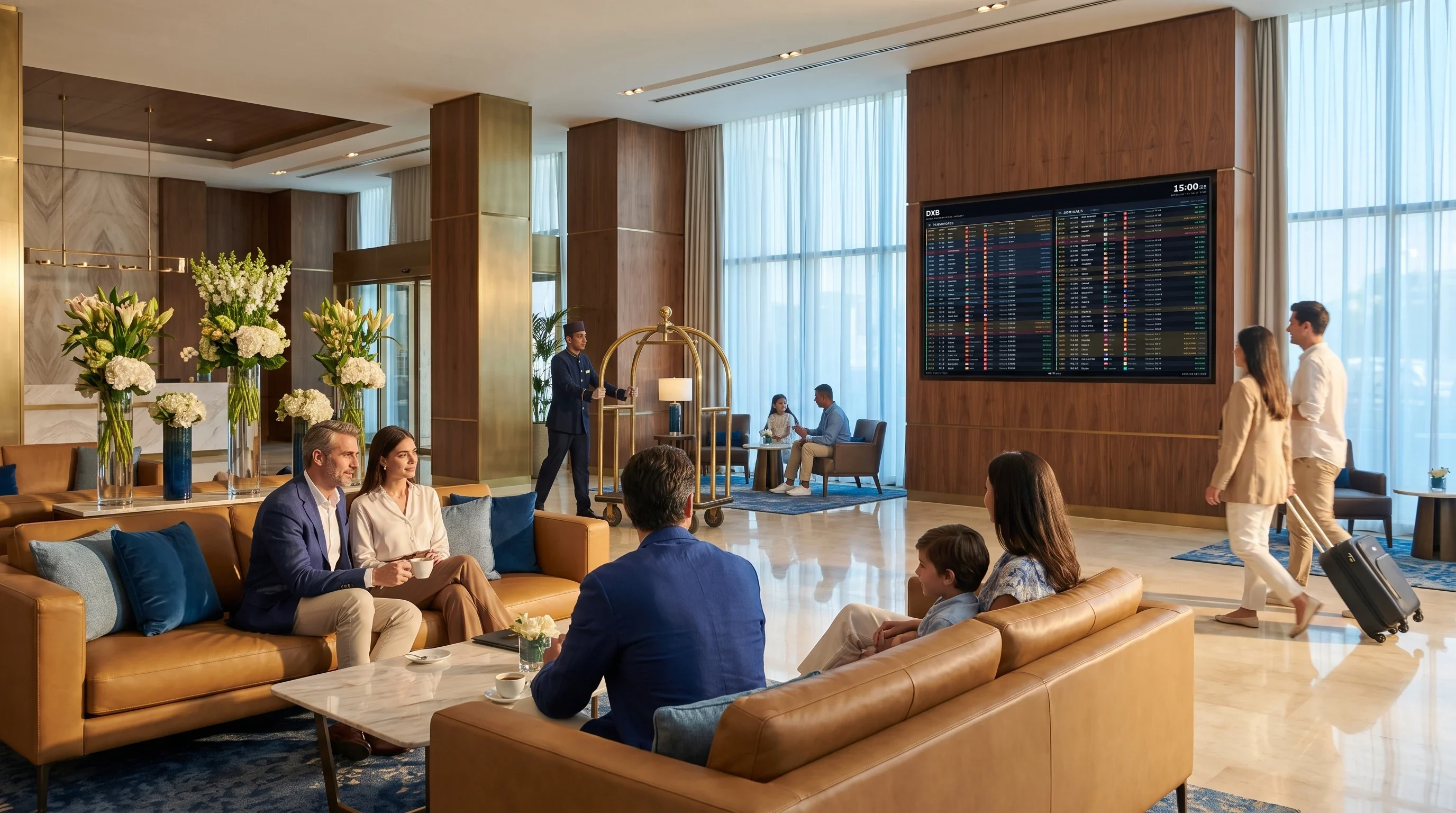
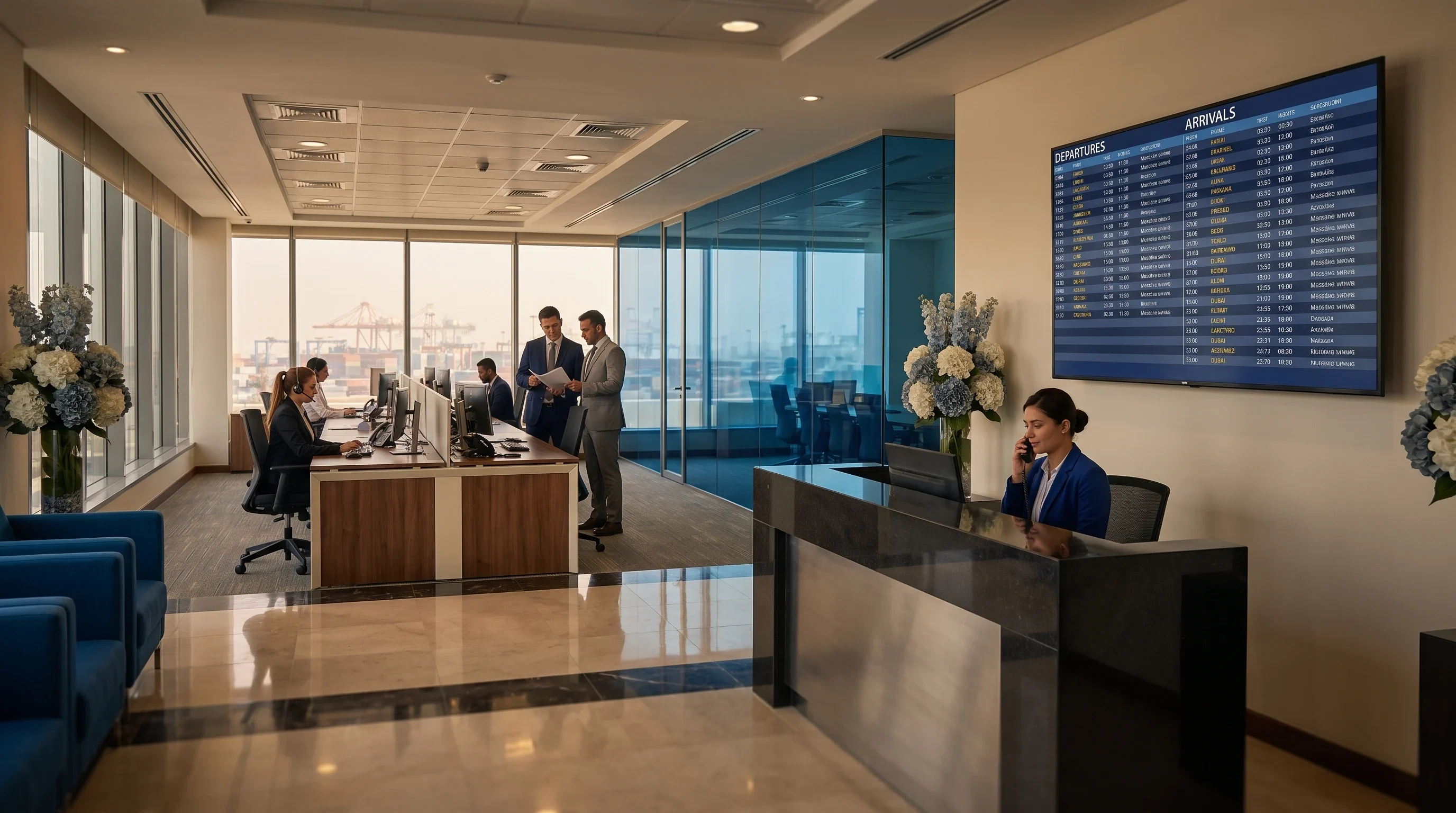
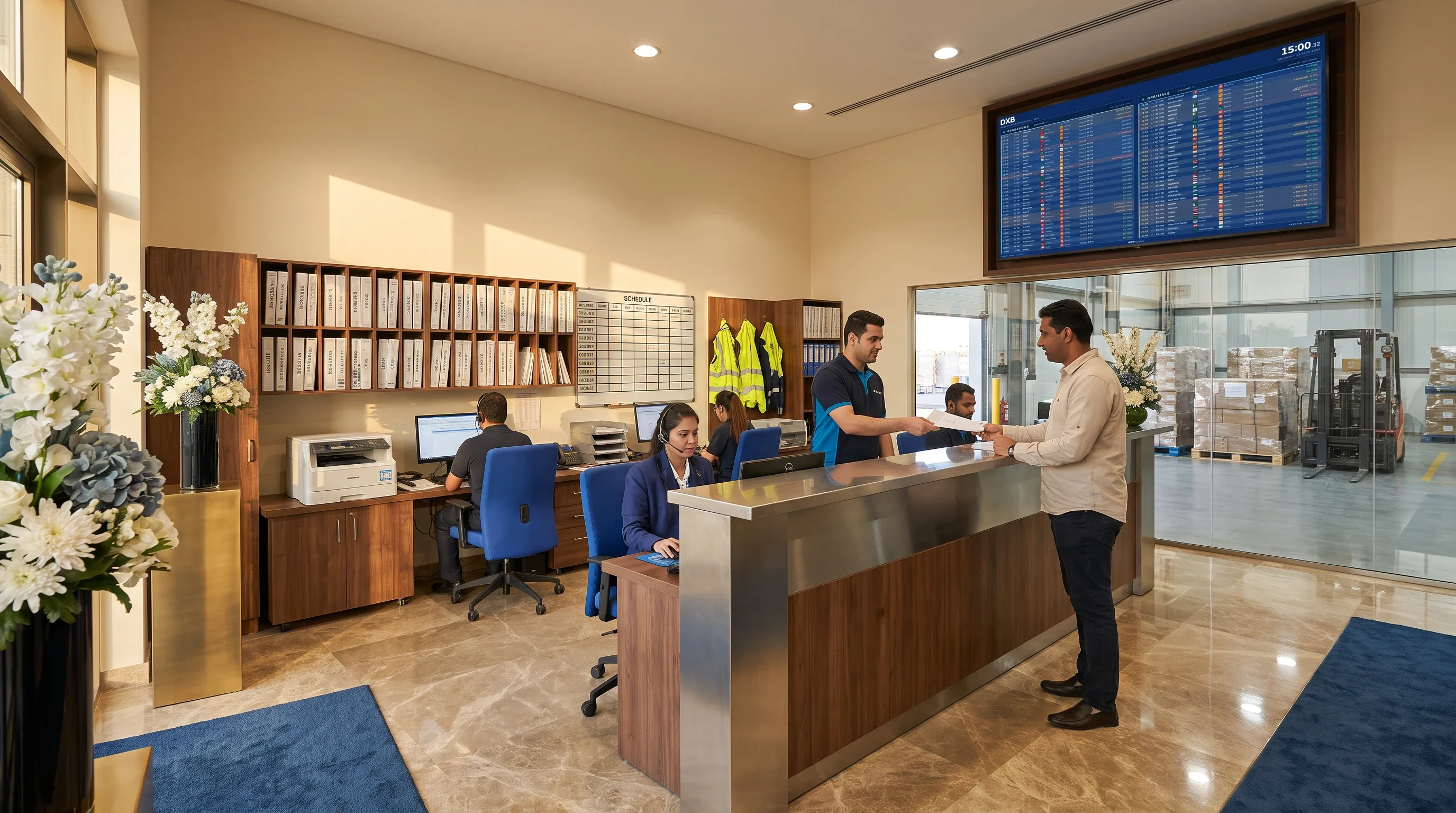
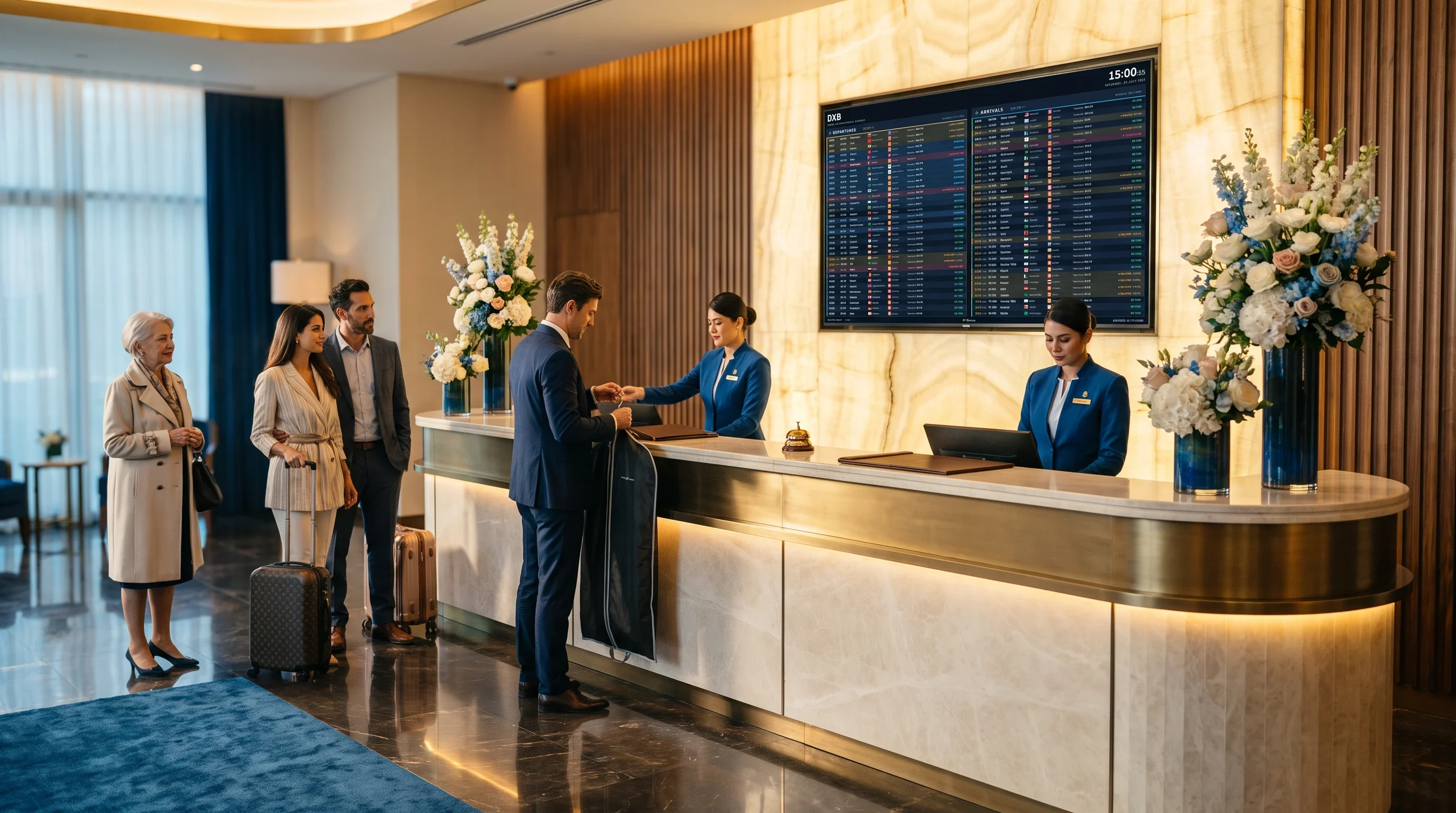
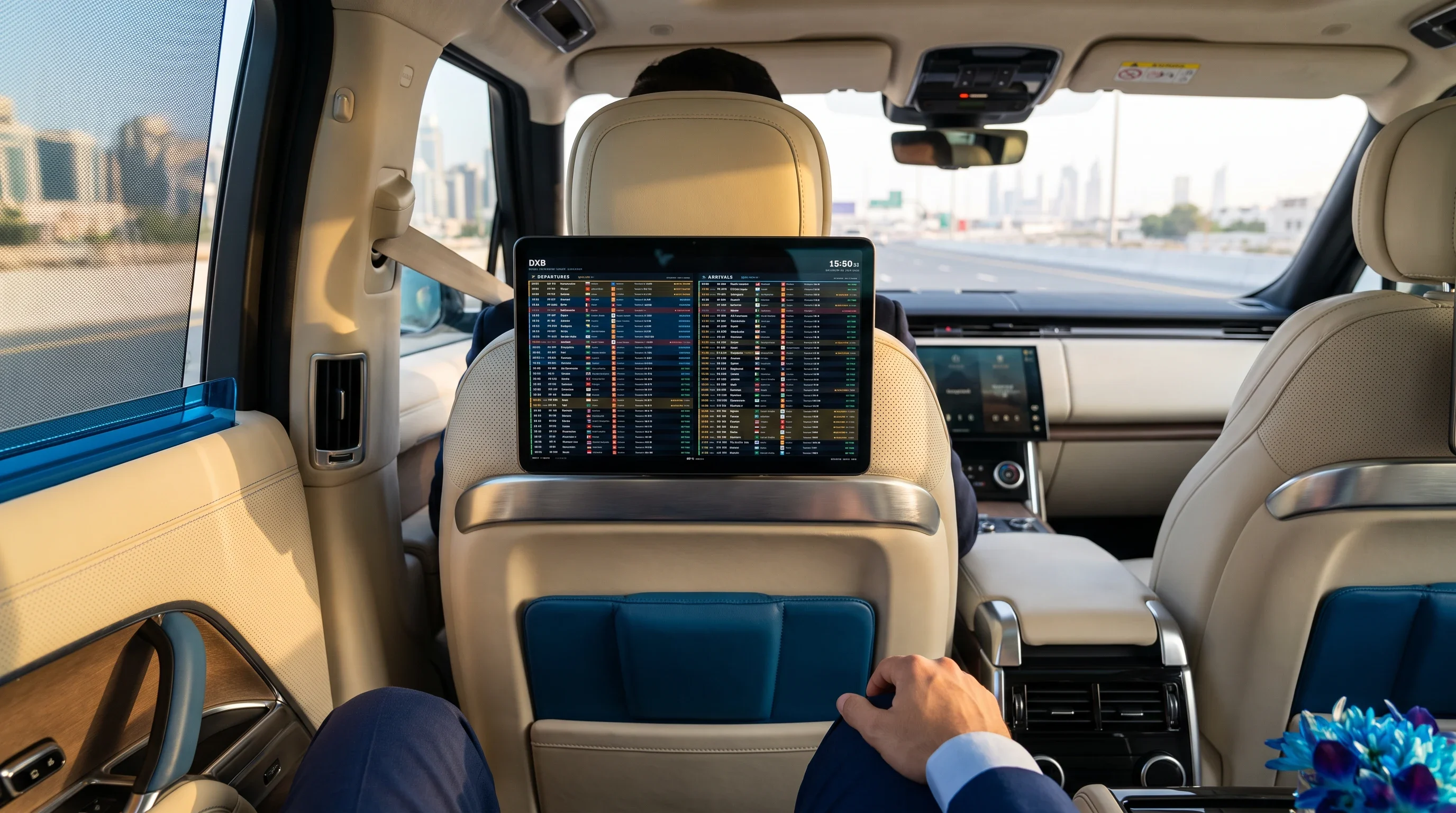
Turn any screen into a real-time departures and arrivals board for Dubai International — paired in seconds, running unattended, with no app to install.
No card to try it · pairs from your phone or laptop
Real flight data, made legible from across a room and left to run on its own.
Real departures and arrivals for Dubai International — scheduled and latest times, gates and belts, updated continuously.
Departures, arrivals, a split of both, and more. Pick a layout per screen; the board sets its own text size to fill the screen without chopping a column short.
Built for a wall, not a desk: it recovers from a dropped network, refreshes itself daily, and keeps the last board on screen while it reconnects.
Point a TV at fids.ae/tv, then scan its QR or type the code from your dashboard. No account lives on the display, ever.
The current temperature for the airport sits quietly beside the flights, so a guest reads the sky and the schedule in one glance.
How long it takes to reach Terminal 1, 2 or 3 from your building right now, in real traffic — so a guest knows whether to leave.
Hours ahead, theme, time format, text size, logos, gate & belt, orientation and rotation — all per screen, all from the console.
Sign in to the console and add a screen — choose its airport, layout, orientation and theme.
Open fids.ae/tv on any screen with a browser. It shows a QR to scan and a box for the code from your dashboard.
Scan the QR or type the code against the screen you made. The board goes live and stays live.
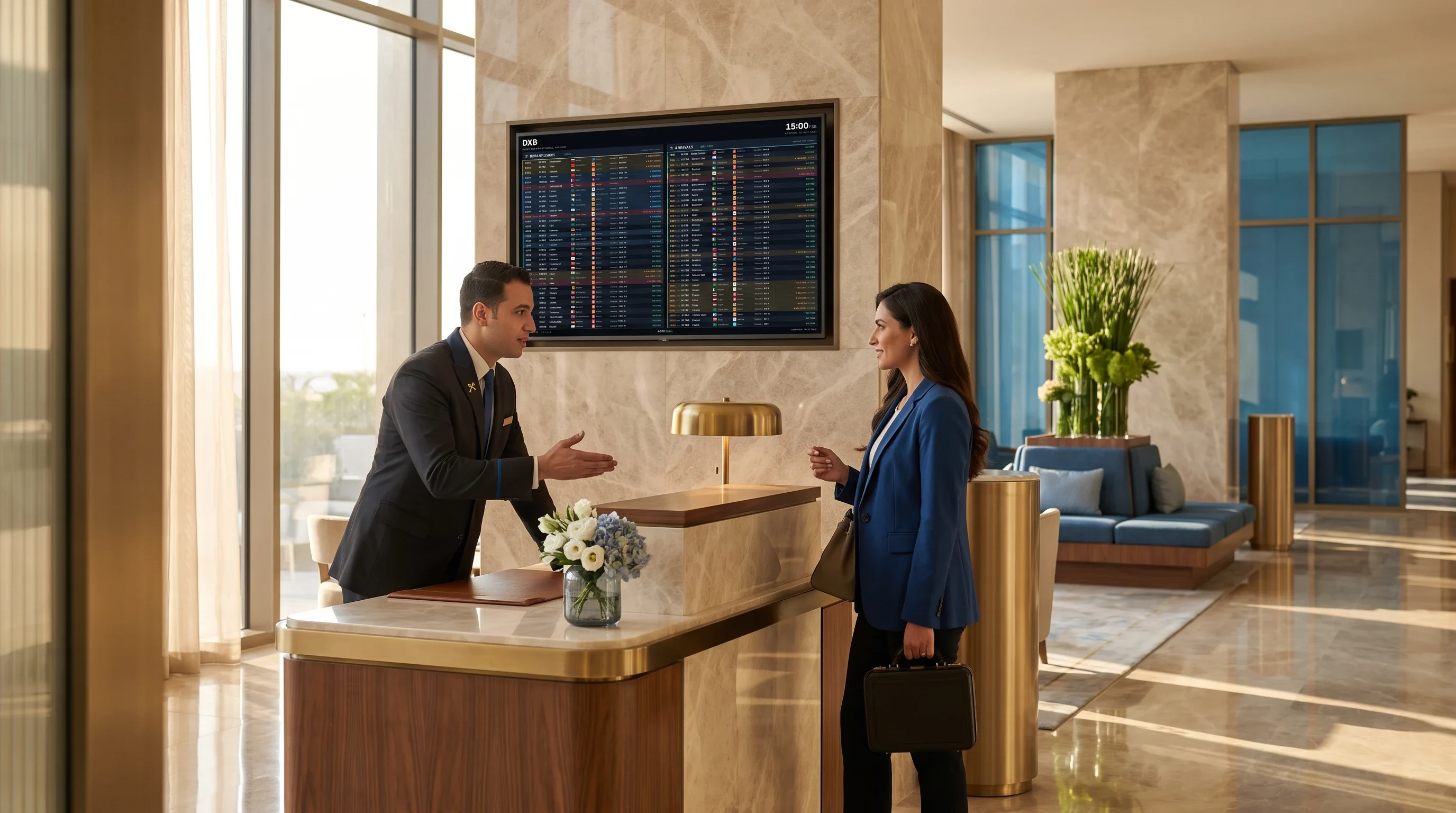
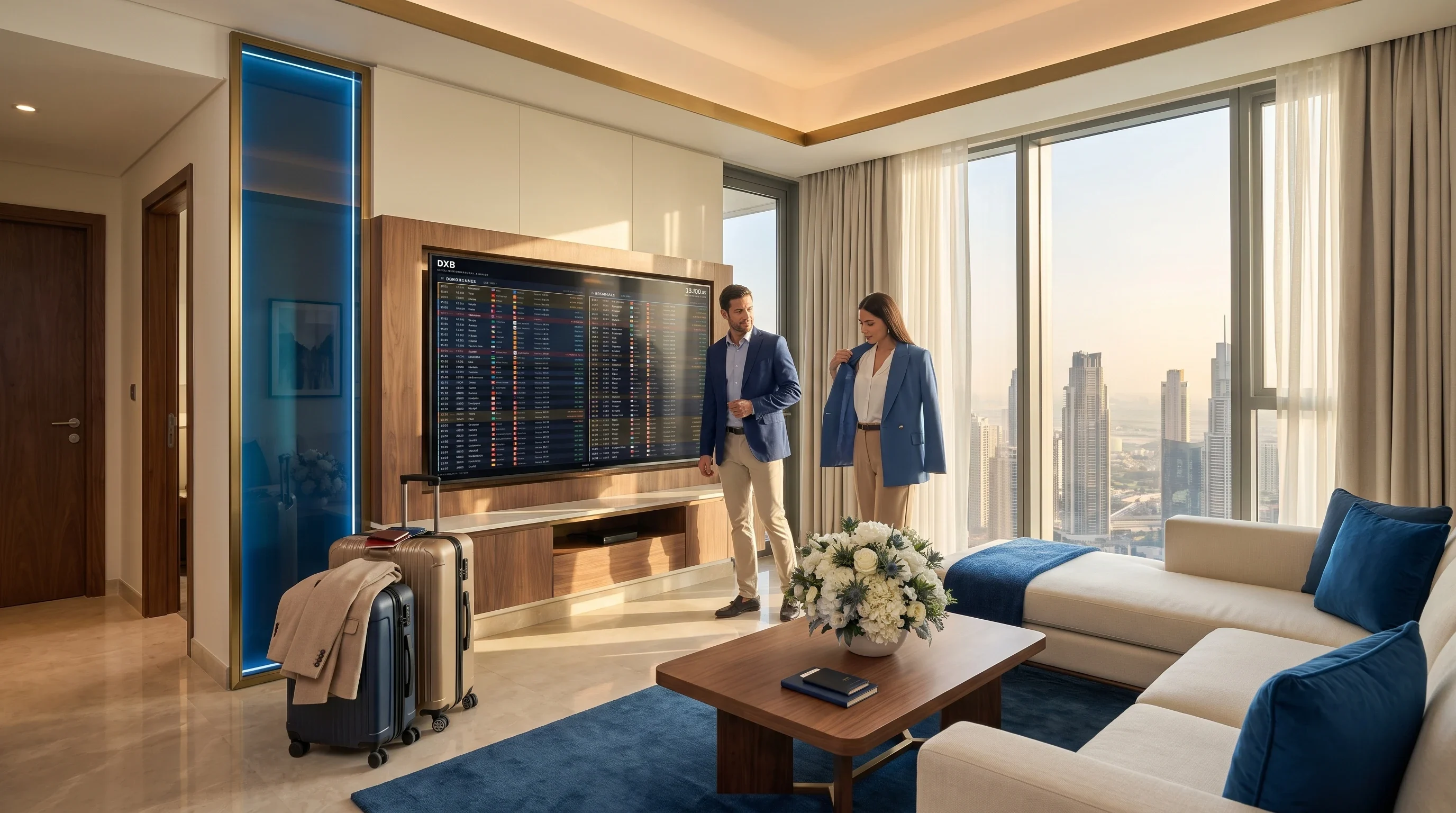
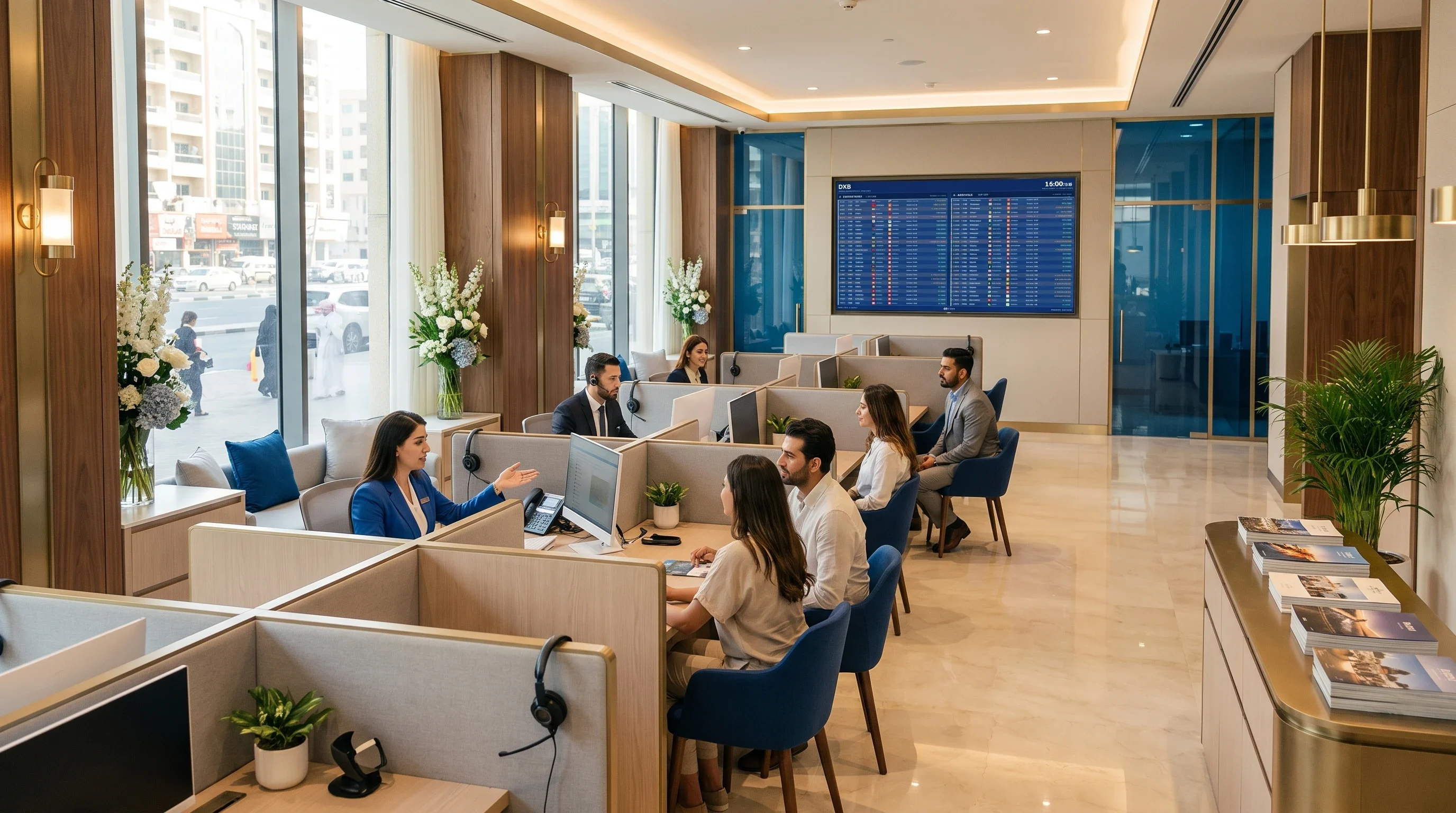
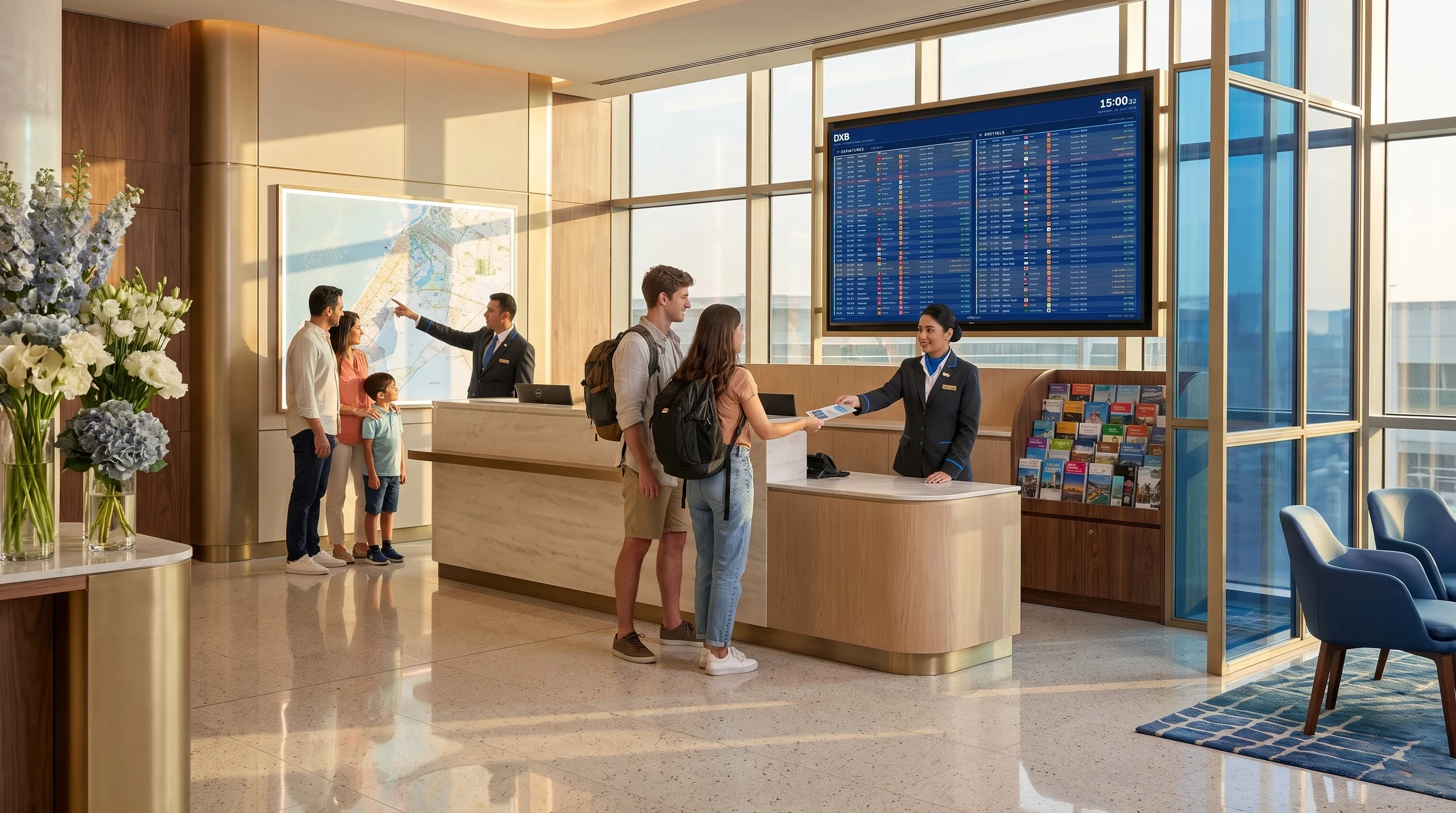
FIDS is short for Flight Information Display System — the departures-and-arrivals boards you see in an airport terminal. This is that same board, built for a hotel lobby: it reads a live flight feed and puts every departure and arrival on a screen on your wall.
Create your first screen in a minute and pair it from your phone. Free to try.
Sign up